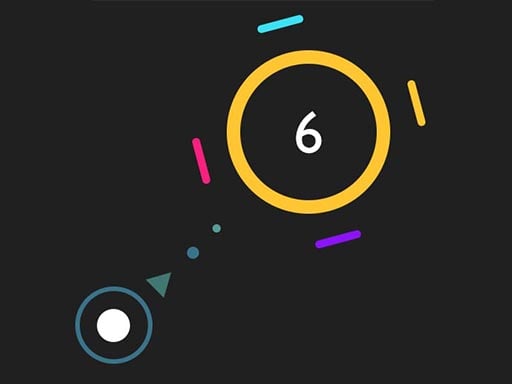
Rexorbit is a timing arcade game about launching a small rocket from one planetary orbit towards the next. The dotted curve previews the flight direction while the rocket circles its current planet. Watch that direction and click to launch; gravity bends the path, and waiting too long lets the orbit shrink. A missed flight produced the Lost in Space result in our test. Tap to retry reset the run to planet zero, while the pause button and Resume returned to the same attempt. Easy mode shows a ten-planet target. Mouse launch, failure, retry and pause were tested. Portrait touch Start, launch, failure and retry were also checked in Android Chrome touch emulation. Landscape requires rotating the device. Physical phones, iOS Safari and a complete ten-planet run were not tested.
How to Play Rexorbit
Use portrait on a phone. Choose a difficulty and tap Start, watch the dotted flight direction, then tap the playfield to launch before the orbit shrinks. Tap to retry after a failed flight resets the attempt. On a computer use mouse clicks; the pause button opens the pause controls.
Frequently Asked Questions
Which controls have been tested for Rexorbit?
This browser build has been checked with desktop mouse, mobile touch controls. See How to Play for the specific controls.
Can I play Rexorbit on a phone?
Touch controls and restarting passed in portrait orientation. Test environment: Android Chrome touch emulation, 390x844 / 844x390; physical phones and iOS Safari not tested. Use portrait: landscape shows the provider rotate-device screen. Start, launch and retry fit the tested portrait width, with no horizontal page overflow.

Comments