How to Play Clack Smash
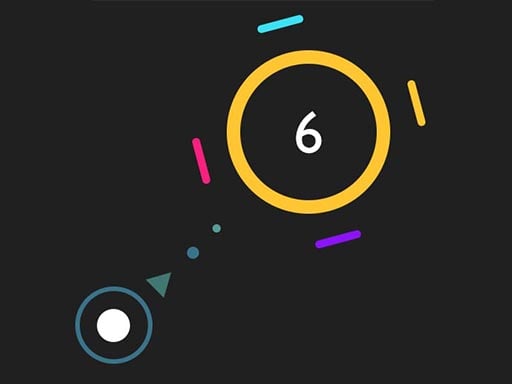
Open the game with a phone already in landscape for a larger board. Drag backward with a finger or desktop mouse to aim and set power, then release to fire. Tap Replay after a clear or Retry after an unsuccessful shot to restore the board; Next continues after a clear. Swipe on the page margin to expose the whole board and menus. If you rotate after opening, secondary buttons can stay small. Android Chrome touch emulation passed; physical phones and iOS Safari remain untested.
Frequently Asked Questions
Which controls have been tested for Clack Smash?
This browser build has been checked with desktop mouse, mobile touch controls. See How to Play for the specific controls.
Can I play Clack Smash on a phone?
Touch controls and restarting passed in landscape orientation. Test environment: Android Chrome touch emulation, 390x844 / 844x390; physical phones and iOS Safari not tested. Open the game with your phone already in landscape for a larger board. If you rotate after opening it, the board and buttons may stay small. Swipe on the page margin to reach the full board and menus.

Comments